






We’ve all been there: your smartphone gets warm in your hand when you’re navigating or streaming, your laptop suddenly revs up audibly under full load and your old desktop PC sounds like a small hairdryer in summer weather. Heat build-up in electronic devices is nothing unusual – it always occurs where electricity flows. In everyday life, this may just mean that your device slows down a little. In industry, however, too much heat can have serious consequences: from production interruptions to real hardware damage.
This is precisely why PC cooling is such an important topic – not only for gaming PCs, but also for industrial PCs, panel PCs and IoT gateways.
What is PC cooling and what do you need it for?
A PC cooling system consists of several elements that are either installed directly in the device or connected externally. Their aim is to dissipate heat before it causes damage. Typical components include fans, hose-radiator combinations, cooling plates, heat sinks or heat pipes.
Every component that consumes power and generates heat needs to be cooled – especially CPUs, GPUs, memory chips and power supplies. The higher the computing power, the more heat is generated. Without sufficient cooling, this can lead to slowdowns, system crashes or even permanent defects. Conversely, the better the heat is dissipated, the more durable and efficient the system will be.
Power loss – what’s behind it?
Power dissipation is the amount of energy (in watts) that a component emits as heat. This value is usually specified as TDP (Thermal Design Power).
A few practical values:
- IoT gateways: 5-25 W power loss
- Industrial PCs: 40-100 W power loss
- Panel PCs: up to 150 W power loss
- Gaming PCs: 500-600 W power dissipation
To put this into perspective: A 40-watt light bulb already gets noticeably hot. A small pocket soldering iron can even melt metal with 2-5 watts. It is therefore important to dissipate this heat reliably in order to avoid a drop in performance.
What types of cooling are there?
Active cooling
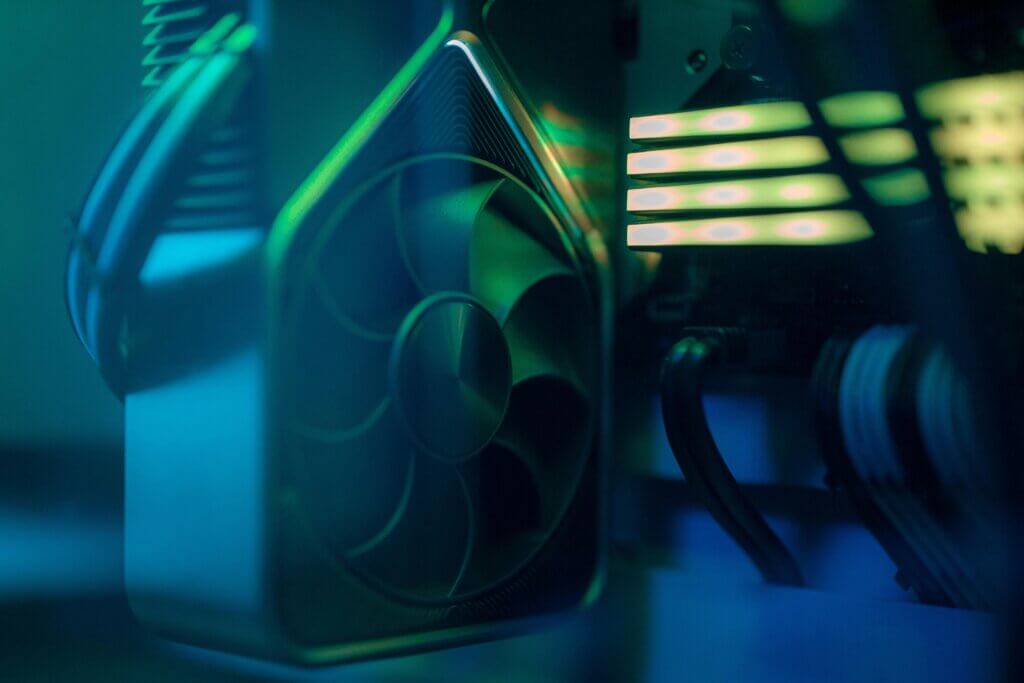
Active coolers are standard in the home: small fans for the CPU and graphics card, supplemented by housing fans. These generate an airflow (usually from front to back) that draws the heat out of the device.
- Advantages of air cooling: inexpensive, simple
- Disadvantages: louder, more susceptible to dust
Water or liquid cooling systems are more efficient. Here, a liquid is directed from the heat-producing parts to the edge of the housing and released into the ambient air via radiators. Water conducts heat better than air.
- Advantages: very efficient
- Disadvantages: more expensive, more susceptible to leaks
Important: Active systems always need space for air and heat circulation and are never dustproof or waterproof.
Passive cooling
With passive cooling solutions, the heat is dissipated without a fan – for example via heat spreaders (metal sheets with good thermal conductivity) or heatsinks (heat sinks with an enlarged surface area). Heat pipes are also frequently used: tubes through which liquid flows and which transport heat particularly efficiently.
Such solutions are ideal for embedded systems and industrial PCs in particular. They offer:
- Better heat dissipation
- Position-independent installation (thanks to capillary action)
- lower thermal resistance than pure metal heat sinks
- manageable space requirement
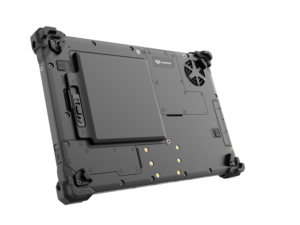
Industrial PCs therefore often have large cooling fins to maximize the surface area. However, passive cooling only works optimally if there is at least minimal air circulation. It can reach its limits with completely stagnant air in small rooms.
Our solution: Rocksmart RSX2000
The challenges described above when cooling industrial PCs – dust, humidity, vibrations and temperature fluctuations – cannot be overcome with conventional fans and open systems. This is exactly where our solution comes in:
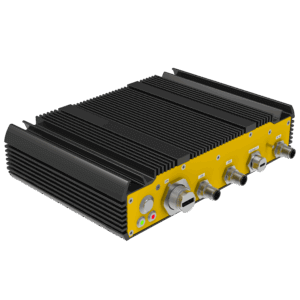
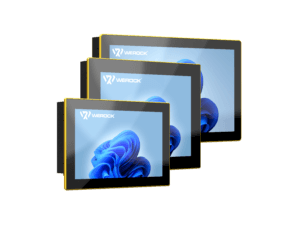
The Rocksmart RSX2000 Embedded Computer was specially developed for mechanical engineering and use in demanding industrial environments. With its fully enclosed IP67 housing, it is reliably protected against dust, water and other harsh conditions. Its compact, fanless design ensures passive, maintenance-free cooling – ideal for machine controls or use in the manufacturing and automation industry.
Thanks to the Intel Core i5 Raptor Lake CPU, vibration-resistant construction and industrial-grade design, the RSX2000 combines robust performance and durability – a perfect solution for all applications where conventional PCs reach their limits.
How to improve your PC cooling in the short term
- Location: The cooler the room, the cooler the appliance. Make sure that the fans are not covered and that there is sufficient distance from other objects. Avoid direct sunlight.
- Dust regularly: Dust blocks airways. Clean fans and heat sinks at regular intervals.
- Cable management: Carefully laid cables obstruct the air flow less – this noticeably improves cooling.
Conclusion
Whether gaming PC, tablet, notebook or industrial PC: cooling is not a luxury, but a must. It protects against overheating, extends the service life of devices and ensures performance.
Tip: Check your devices now for dust, cable clutter, and airflow—even small measures can make a big difference. And if you use industrial systems, rely on well-designed cooling concepts such as heat pipes or large-area cooling fins to prevent failures.
For individual advice please contact us!